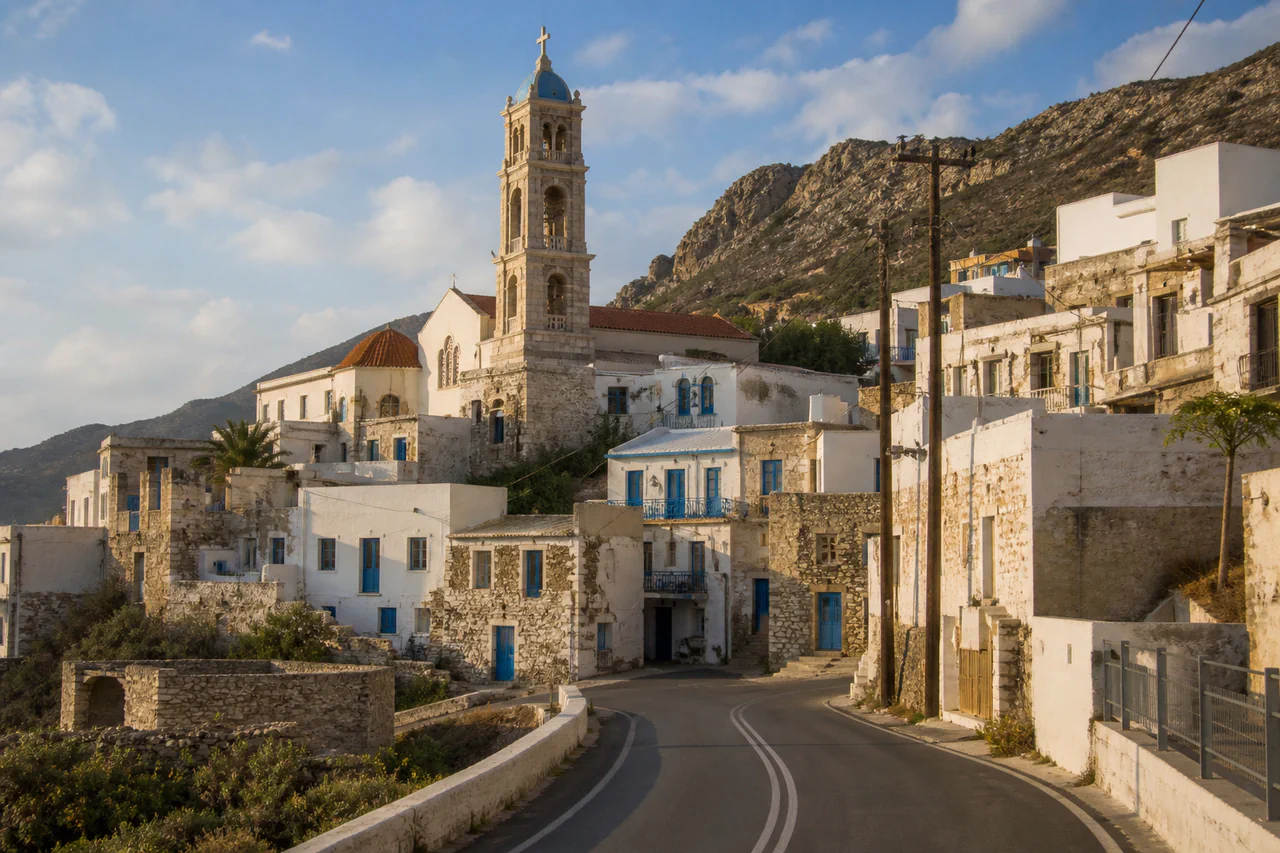
Photo
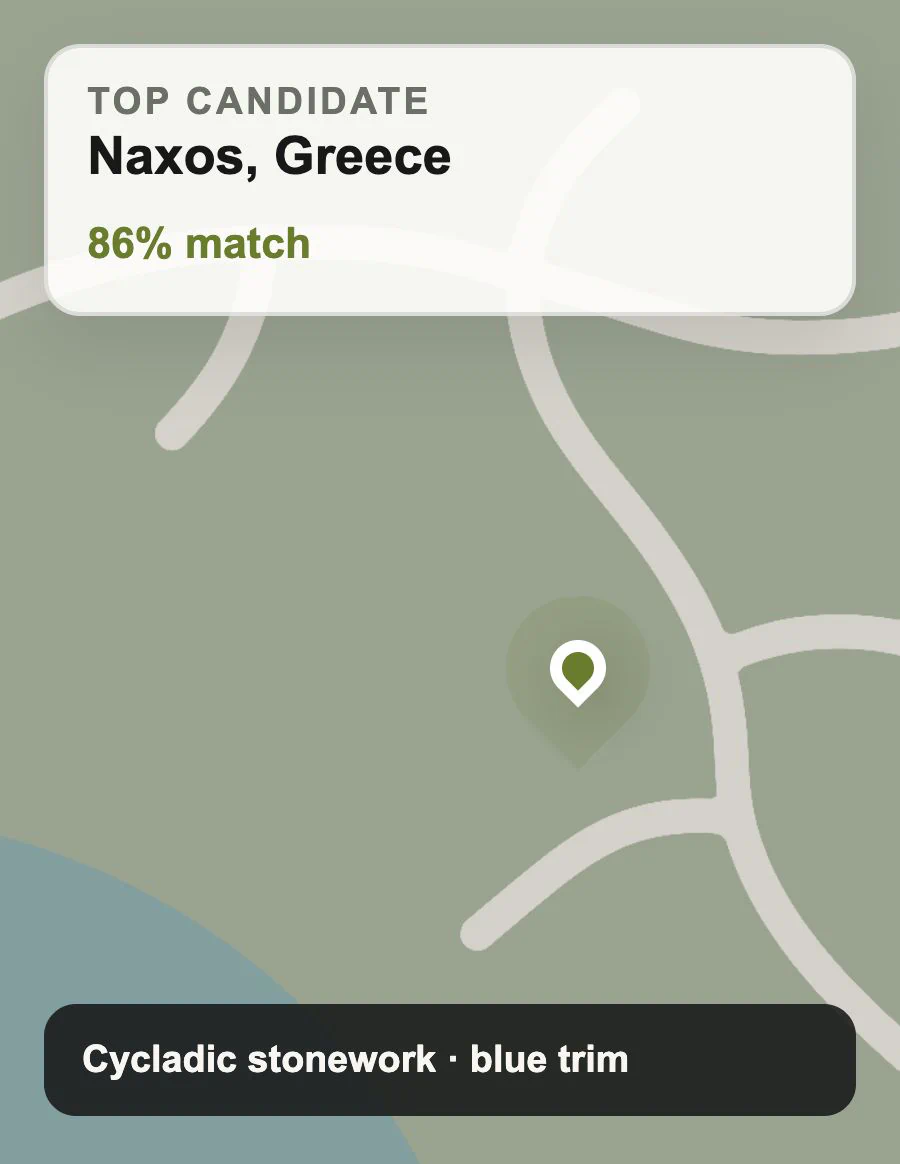
Candidates
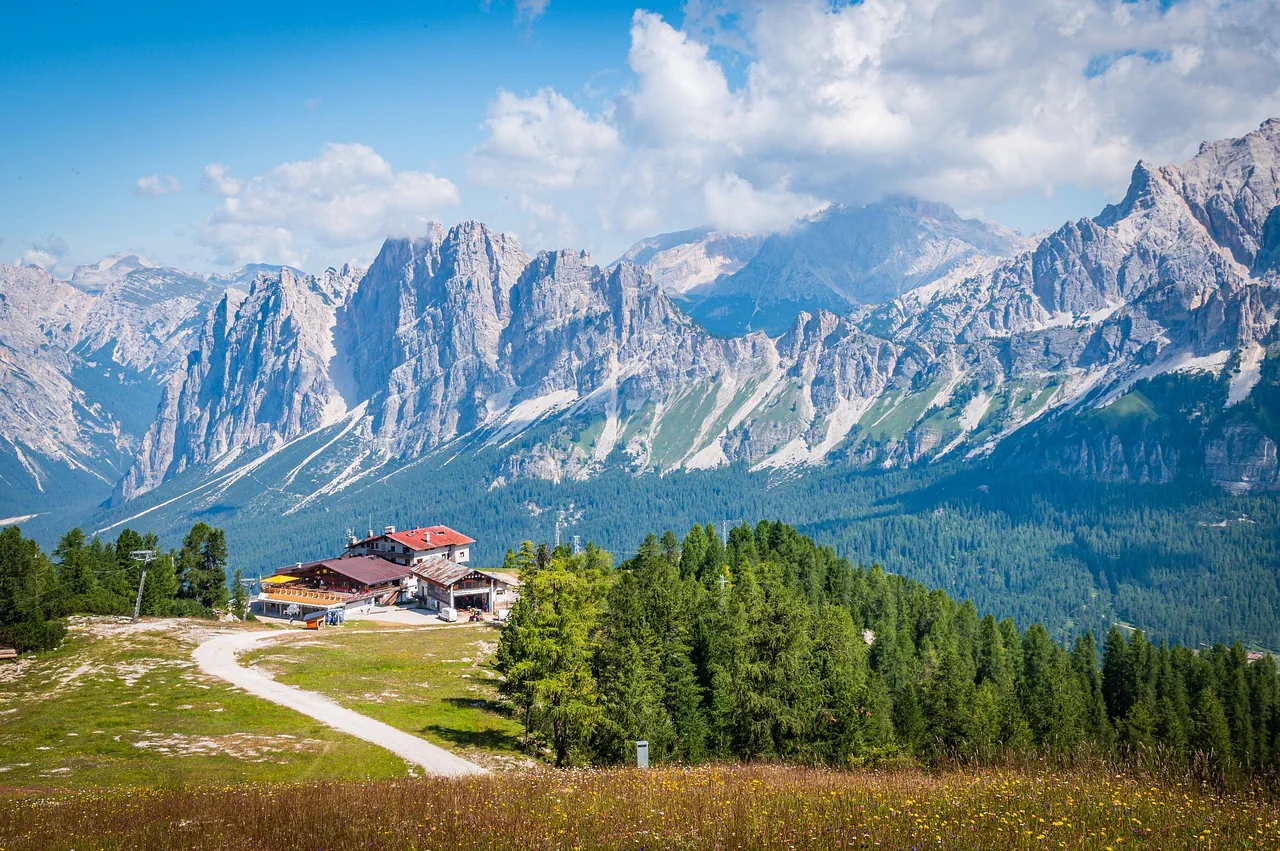
PhotoLocation AI
Upload your photos and discover the locations where your moments were captured.
Drop your photo here
or click to browse
Up to 10 MB - JPG, PNG, or WebP
No GPS data required
Best results include clear landmarks, buildings, signs, coastlines, or mountain profiles.
Private processing - photos are handled under the account-file retention policy.
Only upload photos you own or have permission to analyze.
Compare the original scene with the ranked candidates that its architecture, transit details, or terrain helped uncover.
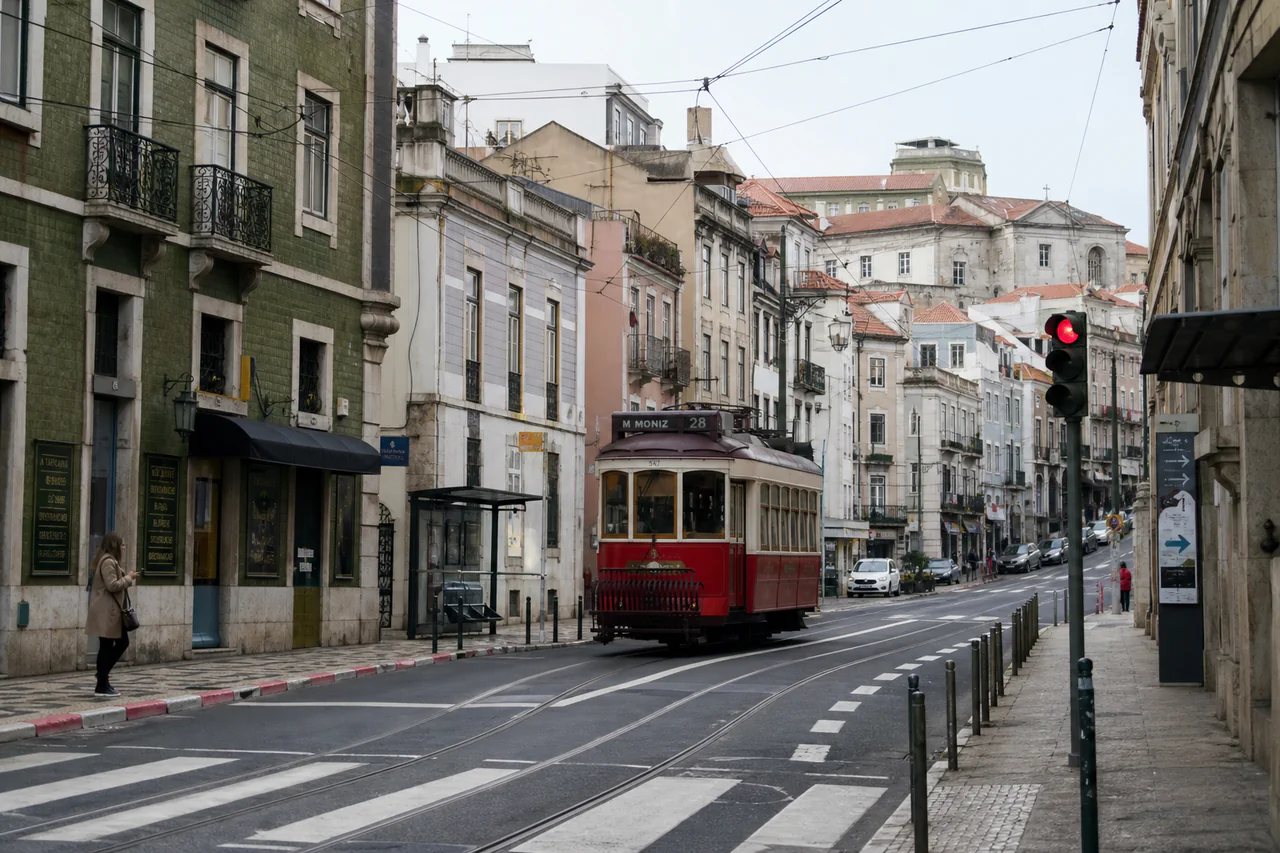
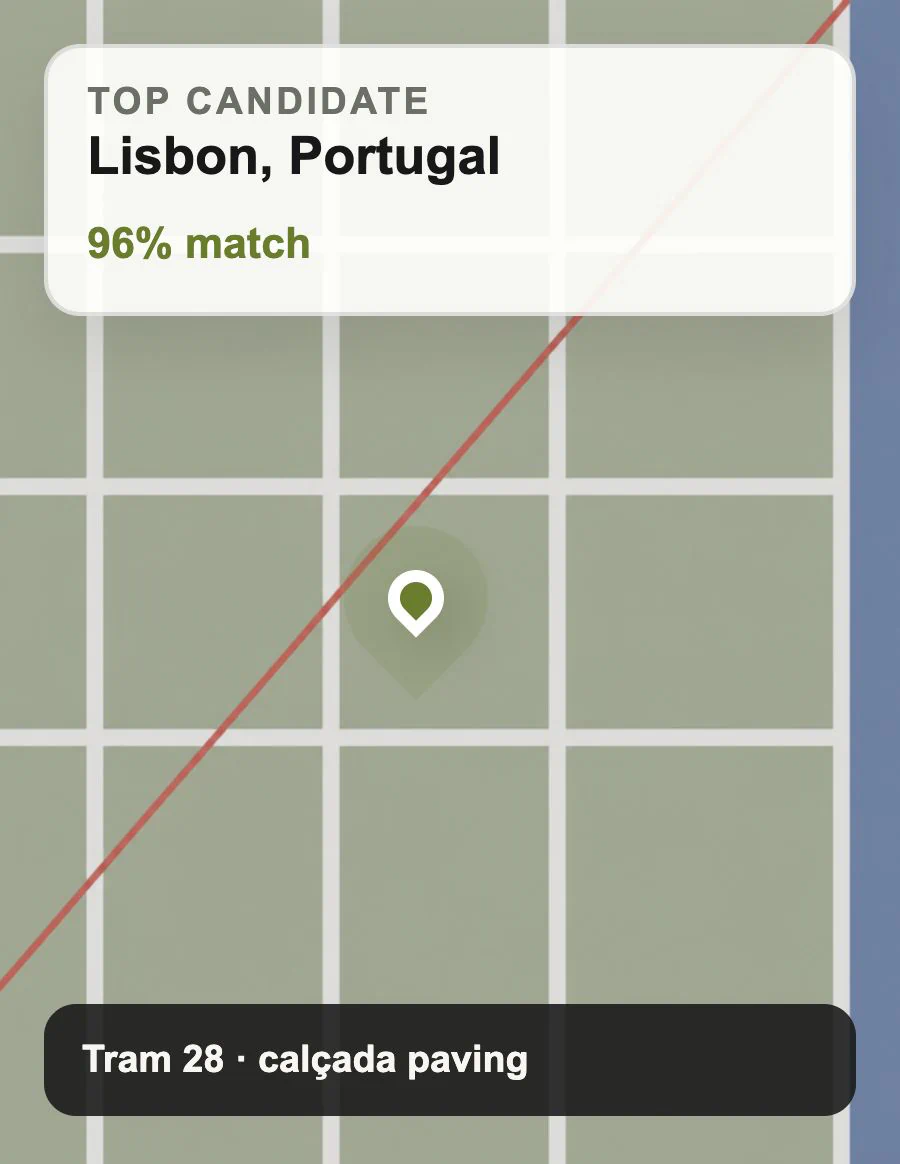
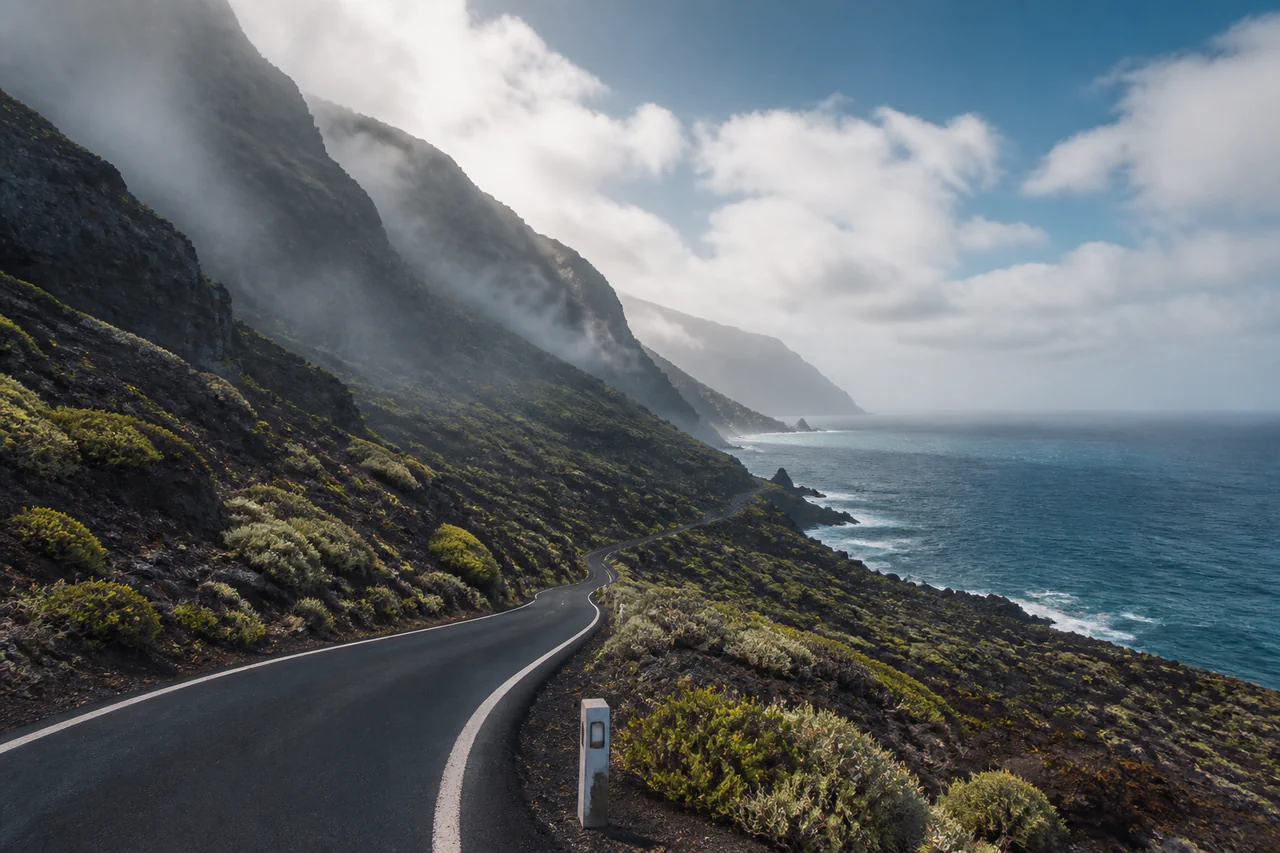
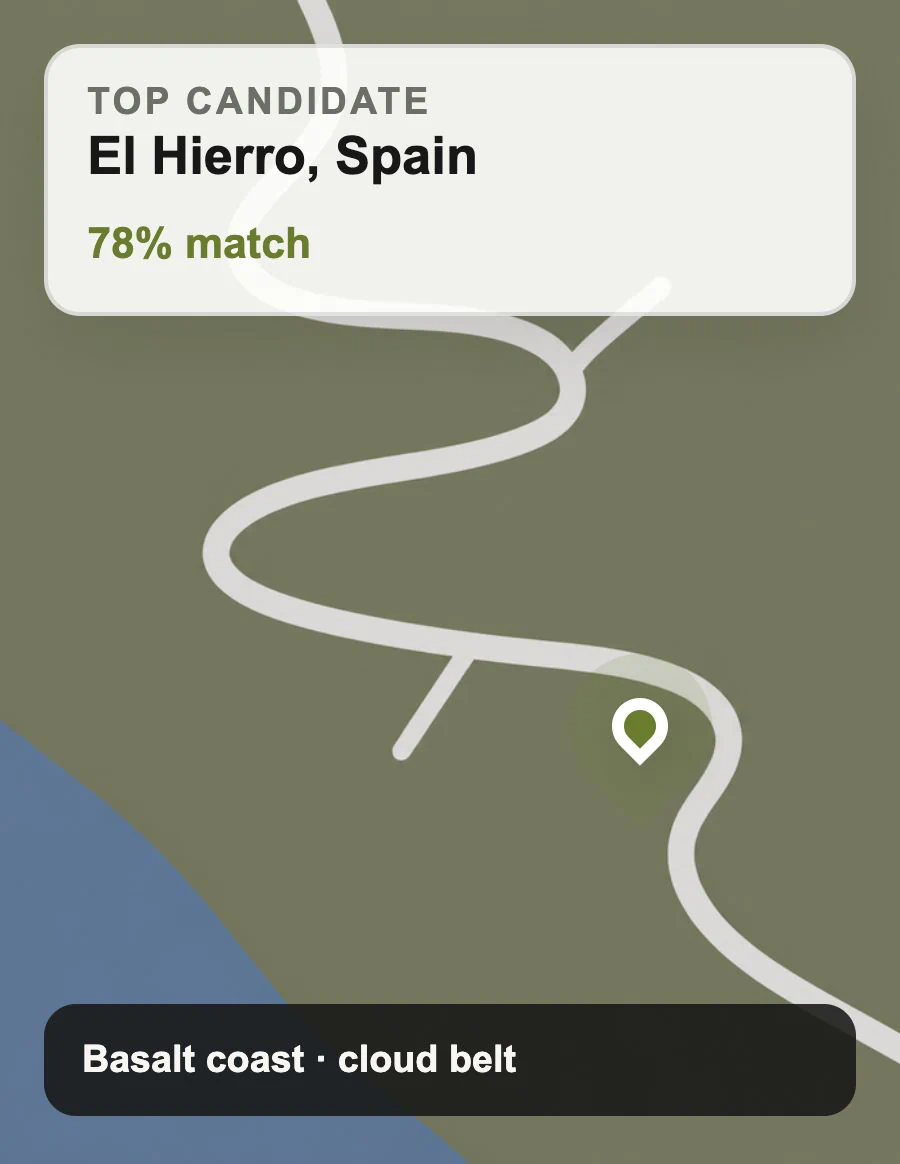
We believe every photo has a story, and its location is the first chapter. PhotoLocation AI was born from the simple question, "Where was this photo taken?".
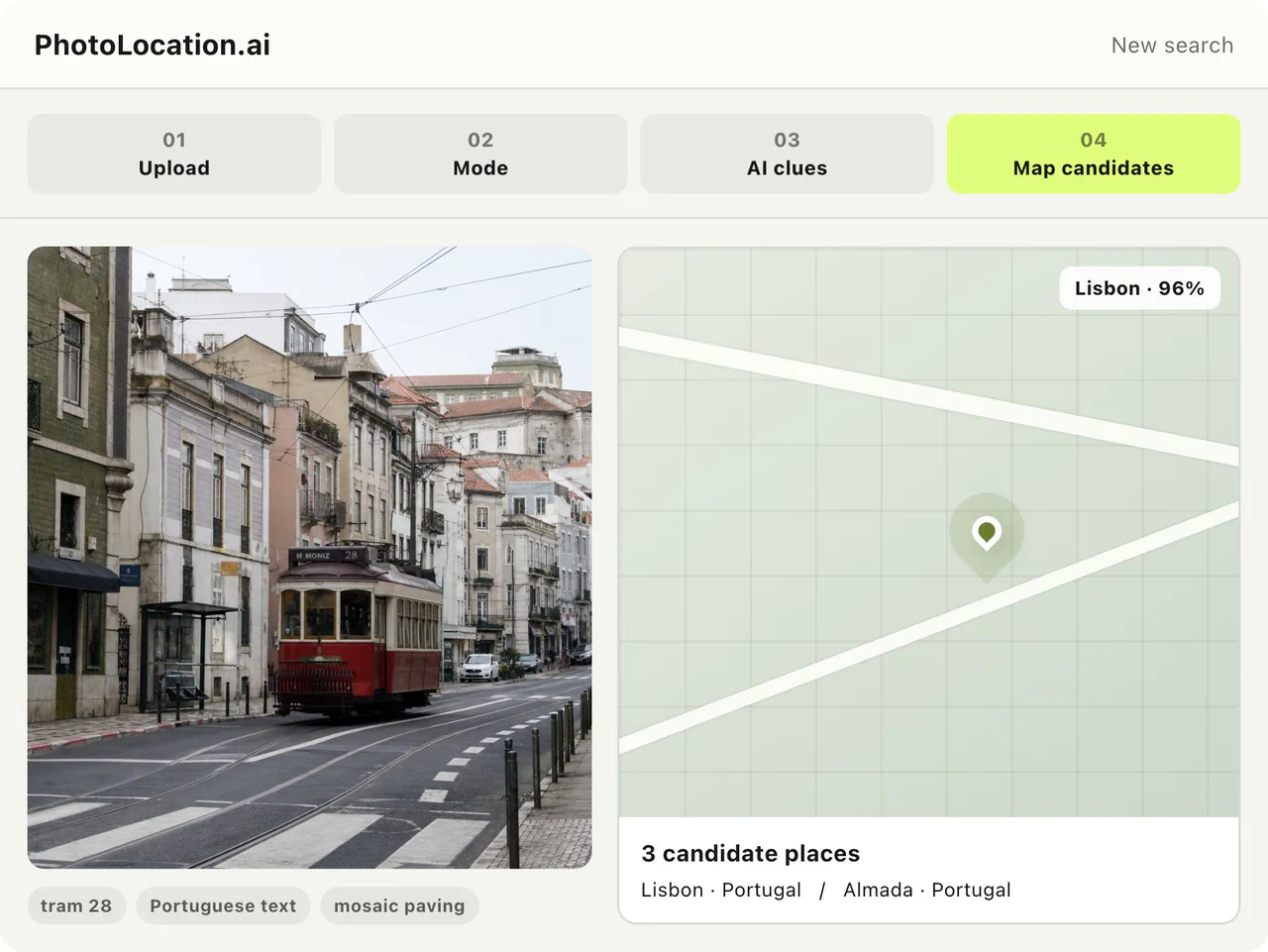
Knowing the photo location enriches your connection to the image and turns a simple picture into a tangible memory, a future travel plan, or a detailed creative log.
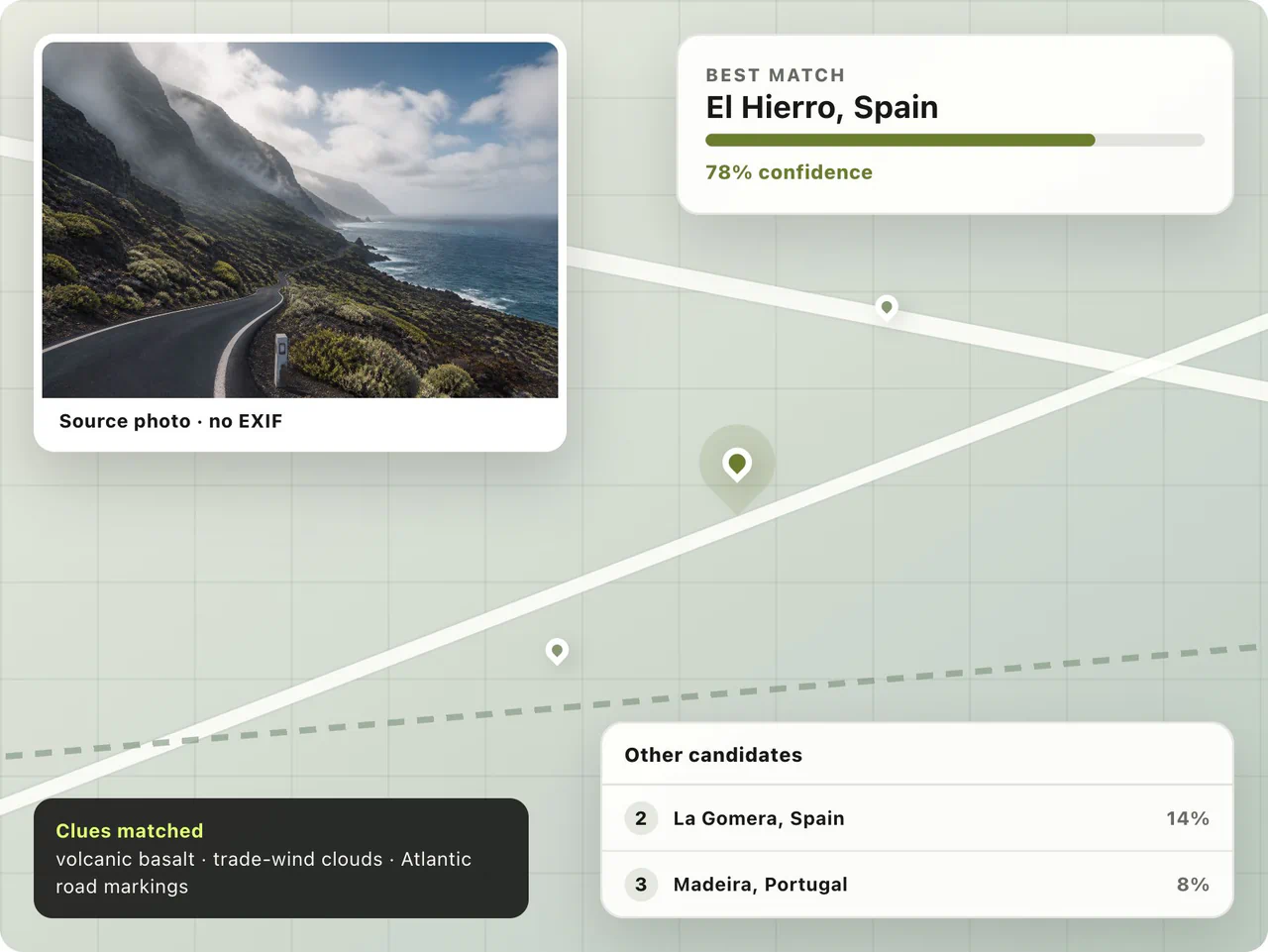
PhotoLocation.ai helps people narrow down where an image was taken when GPS, EXIF data, or a reliable caption is unavailable.

Find likely places behind travel photos when GPS data, notes, and the original itinerary are missing.
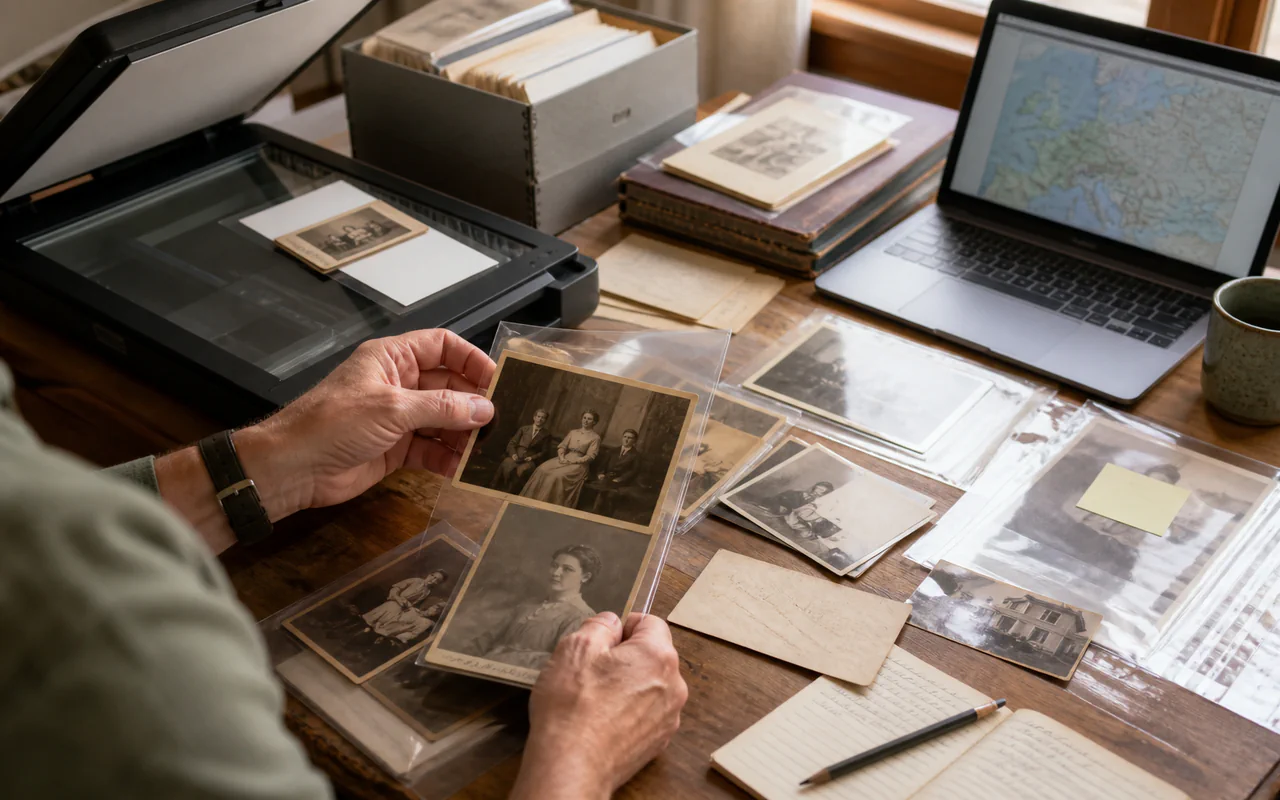
Recover geographic context for scanned albums and inherited photos with incomplete captions.

Research where a photo or social screenshot was made before adding location context to a story.
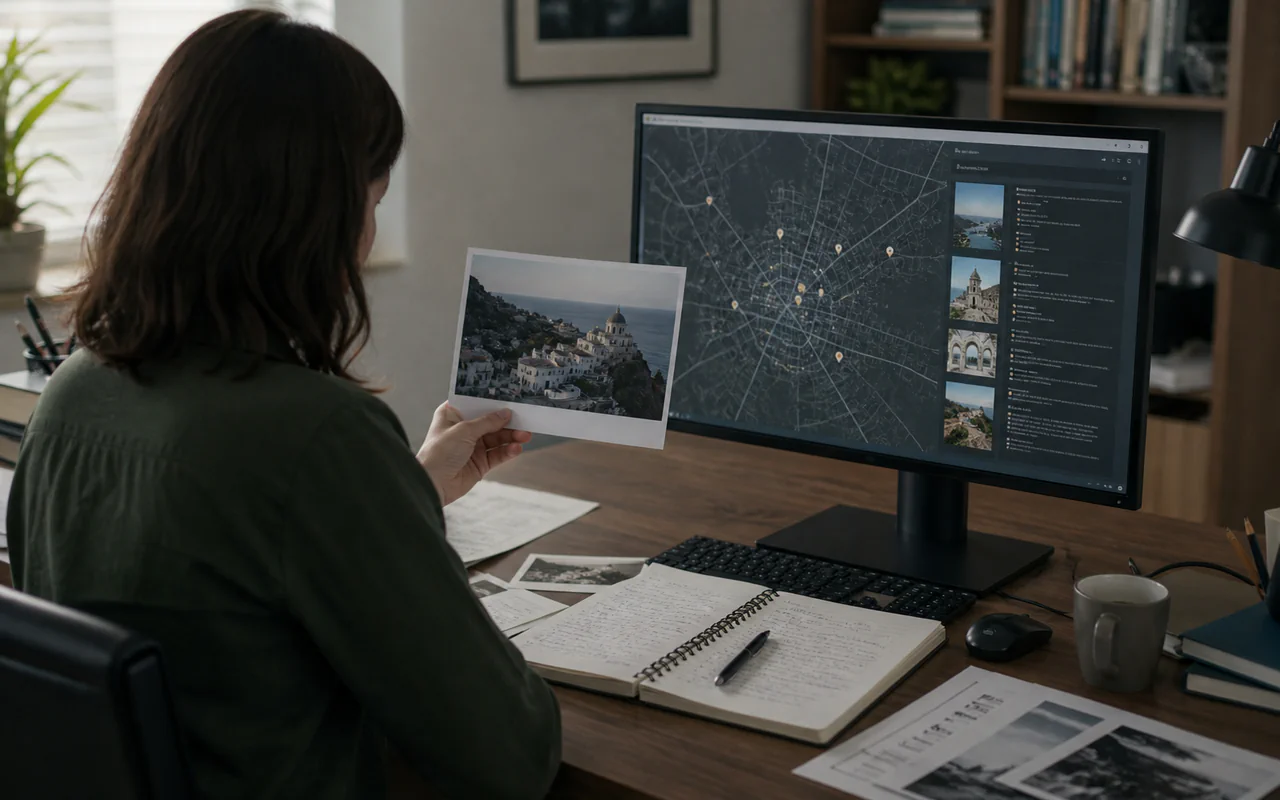
Use visible environmental clues to narrow a search area, then verify the strongest candidates independently.
Drag and drop your picture or select a file. The current tool accepts common image formats securely and privately.
The engine analyzes visual cues like landmarks and reads any available EXIF data.
Review the likely photo location on an interactive map with coordinates, camera details, and an area overview.
Dive deeper with detailed camera settings, historical analysis, and insights about the identified place.
A likely location becomes more useful when several independent details in the photo point to the same place.
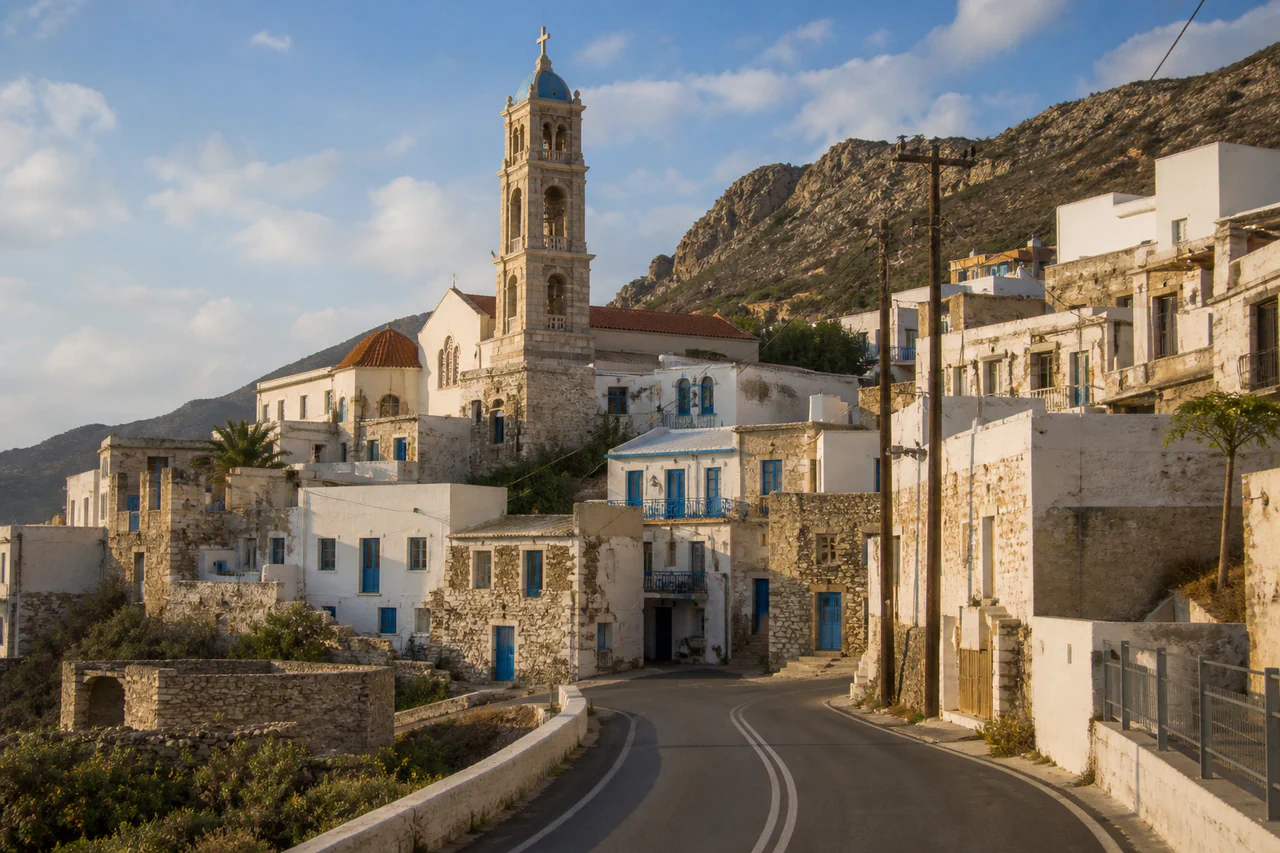
Compare distinctive architecture, monuments, signs, and skyline shapes with the suggested places.
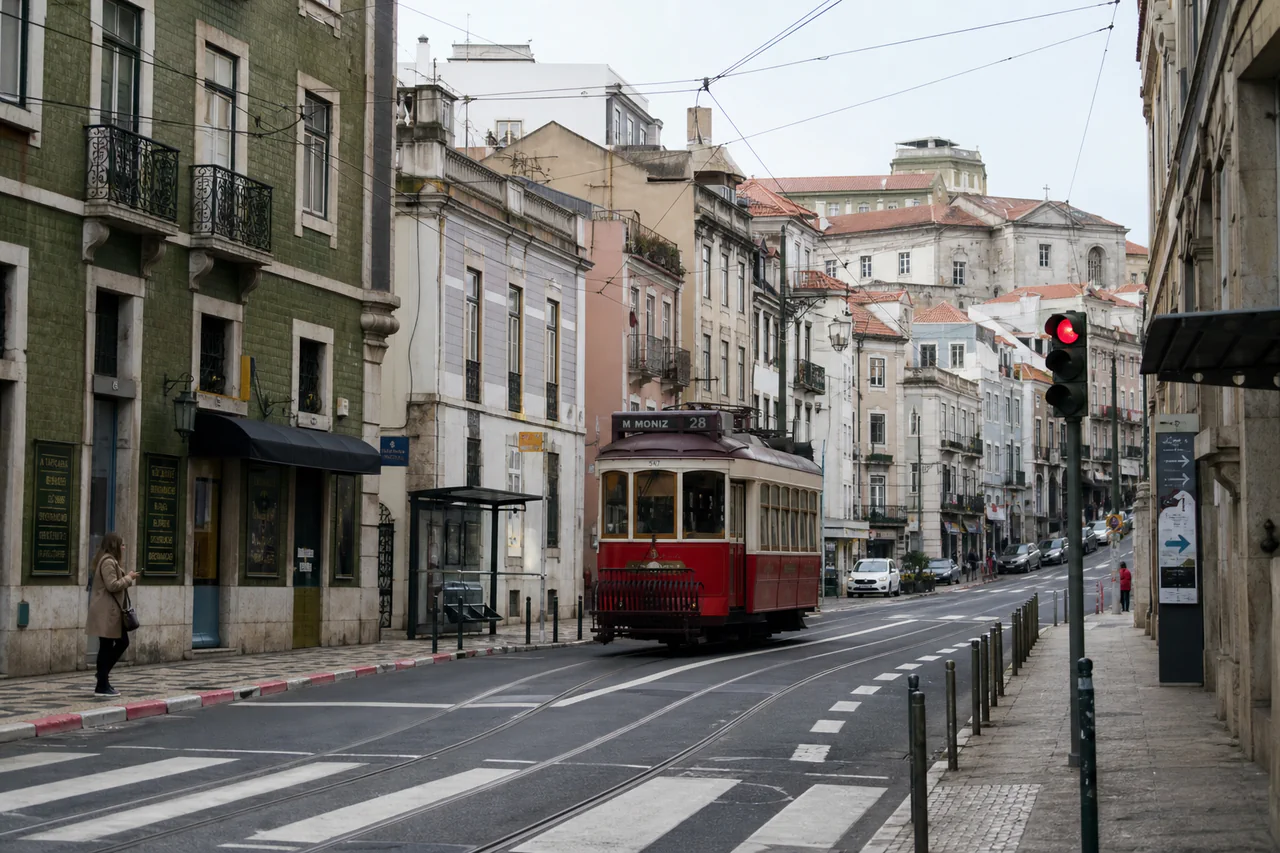
Inspect visible language, road markings, traffic signs, storefronts, and transit infrastructure.
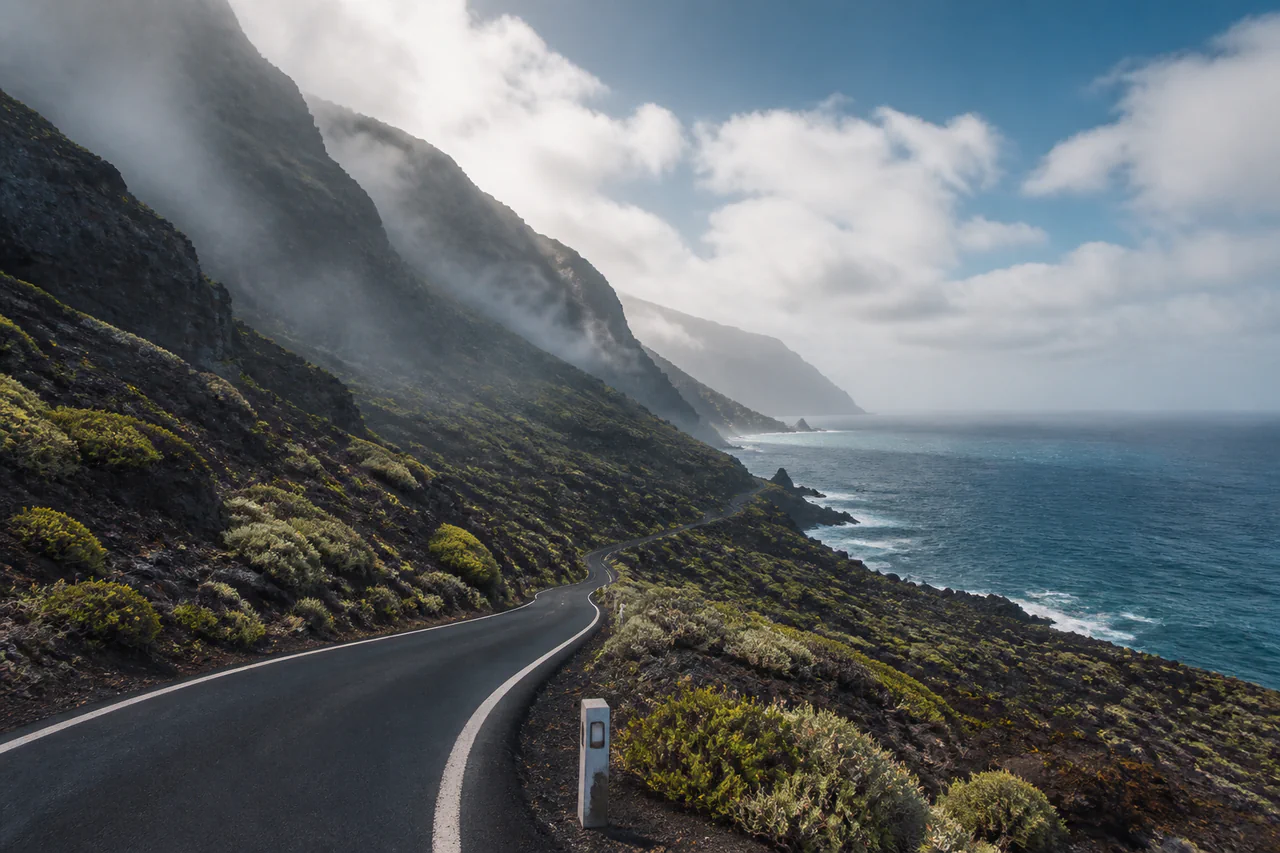
Review terrain, coastline, vegetation, climate, and settlement patterns across each candidate area.
I had hundreds of old family photos and no idea where they were taken. PhotoLocation AI helped me map out my family's history! Finding each spot was incredibly easy.
Alex R.
The Memory Keeper
As a photographer, knowing the exact shooting location and having the EXIF data side-by-side is a game-changer for my workflow. This tool is now essential.
Jenna S.
Creative Photographer
I saw an amazing, untagged travel photo on social media. I used this tool to find the location from the photo in minutes and now it is my next travel destination.
Marco V.
Travel Blogger
We use a hybrid approach. First, we check for GPS coordinates in the photo's EXIF data. If none exist, AI analyzes visual clues like landmarks to determine the photo location.
Yes. This is a core strength. AI visual analysis can identify a place from visual content, making PhotoLocation AI a powerful image location finder.
PhotoLocation AI uses the current account credit system. Each analysis shows the required credits before you submit a photo.
Accuracy is strongest for photos with clear landmarks. Each result includes a confidence score so you can understand how certain the AI is about the identified place.
Yes. Photos are uploaded over a secure connection and processed privately under the current account-file retention policy.
Outdoor photos with identifiable features like buildings, bridges, signs, coastlines, or mountains generally yield the best results.
EXIF is metadata stored within an image file. It can include the date, time, camera settings, and sometimes GPS coordinates.
Yes, as long as you have the image file and permission to analyze it.
Yes. The website is responsive and designed to work on both desktop and mobile browsers.
Reverse image search looks for similar images. PhotoLocation AI is built to geolocate a photo and provide location-specific context.